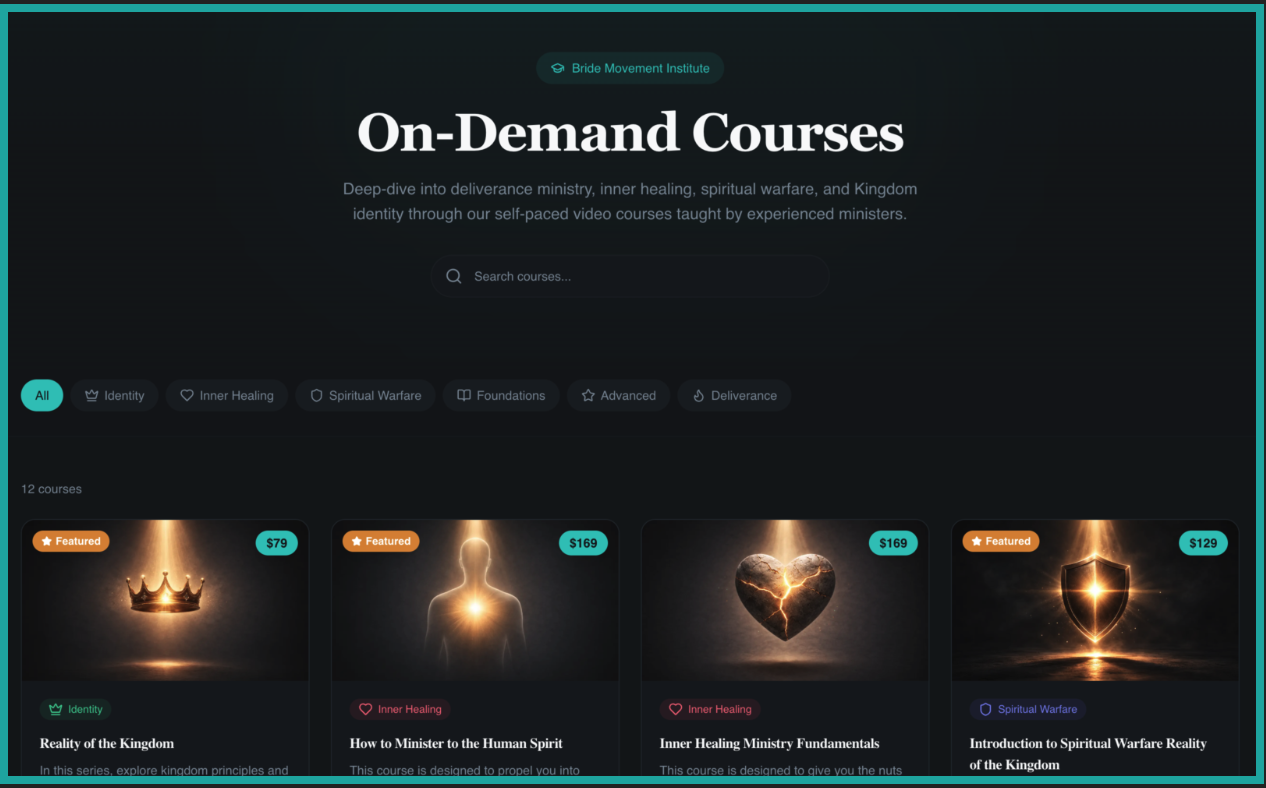
Introducing Our New On-Demand Courses!
We’re excited to share that Bride Ministries On-Demand courses now have a new home. These courses are now available at https://bridemovement.com!
How to access your courses
To find the courses you paid for in the last 2 years, you must use the same email you used to sign up for institute.bridemovement.com.
If you haven't already signed up, you will begin by clicking on the top right corner of the main site where it says "Sign in."
You will select “Create Account,” at the bottom of the page. You can create any password for your account but don’t forget to use the email you've used prior to purchase other courses.
After creating your account, you will be taken back to the main page where you’ll select the drop down menu in the top right corner.
A pop up bar will open up with different selections. Select the section titled “My Courses.”
After you click on the button titled “My courses,” you should see the my courses page. Select the button titled “Migrate Courses,” in the top right corner to migrate any courses you've purchased in the past into this platform.
After that you will have access to all your previous content and any new content you’d like to see. If you need help with anything contact support@bridemovement.com